Templates for Report Manager
Published on
Overview
The Templates panel in Report Manager enables users to manage saved report configurations created from prior Targeting and Contents settings.
Only one template can be active at a time. The number of available templates depends on your current GeoAnalytics subscription plan.
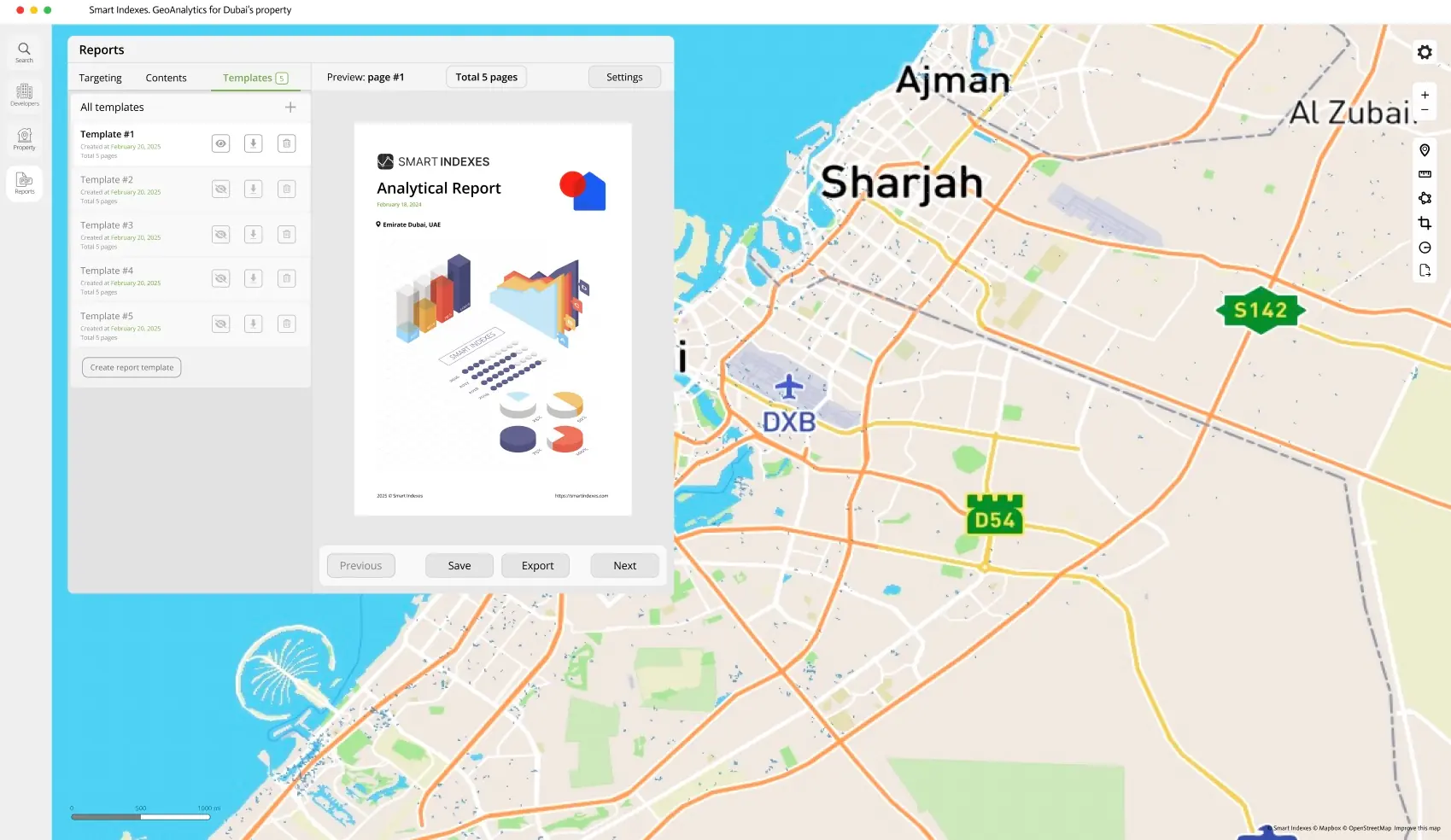 Overview of Templates in Report Manager
Key Capabilities
-
Activate / Deactivate Template
Toggle a template as active for viewing, editing, or exporting.
-
Download Template
Export the report as a PDF file to your local device for sharing or archiving.
-
Delete Template
Permanently remove a template from your list (this action cannot be undone).
-
Preview Template
Open the saved report in a paginated preview mode inside the Report Manager interface.
-
Create New Template
Restart the report creation process by returning to the Targeting configuration step.
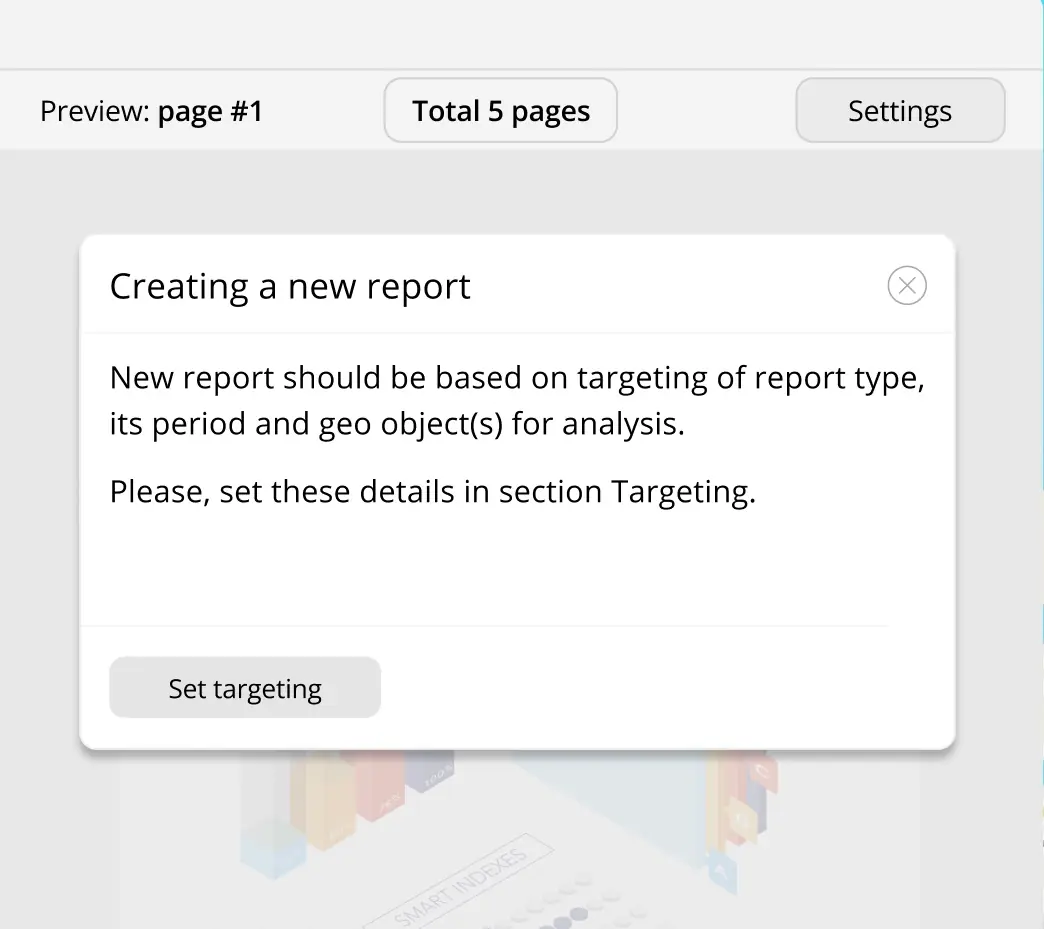 Create a new report template in Report Manager
This feature is especially valuable for corporate users who need quick access to standardized, data-rich reports ideal for investor briefings, internal analytics, and regulatory audits.