How to connect the Smart Indexes API
Published on
Instructions
These steps apply to Makani Search API v1, Property Price Indexes API v1, Brokers API, and Developers API.
Please follow the steps in order.
- Study the Knowledge Base
- Review API Documentation
- Get a consultation
- Select a pricing plan
- Read and accept the API service terms
- Register your application
- Log in to your account
- Obtain your API key
- Make a payment for using the API
- Start building your app
Description of the steps
Review the Knowledge Base
The Smart Indexes Knowledge Base contains many helpful articles for real estate and IT professionals who plan to integrate the API.
We recommend starting with articles that match your role and use case, and then exploring more specific topics as needed.
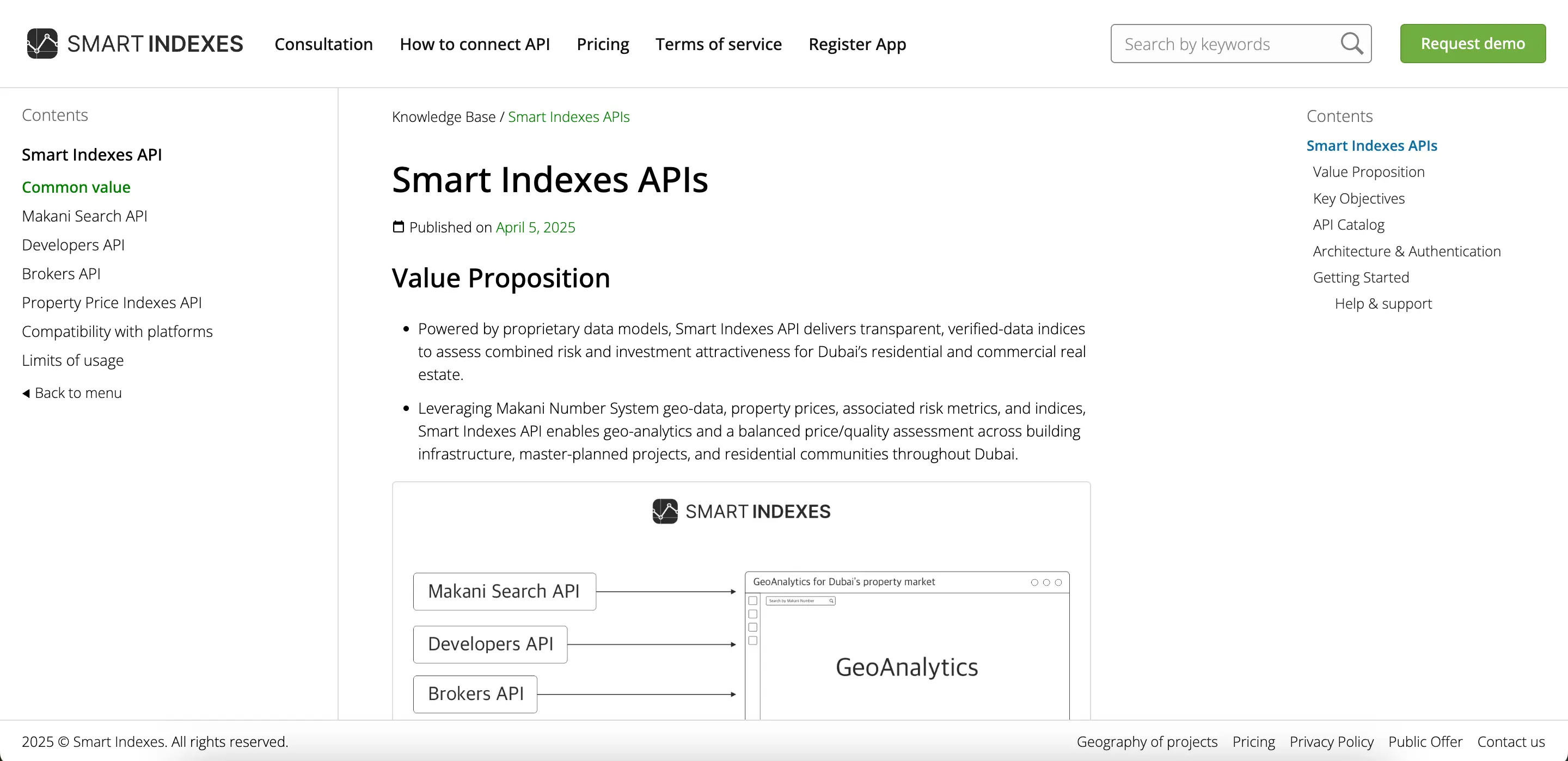
You can use the table of contents in the left column or the search bar at the top of the Knowledge Base to find the articles you need. Begin by reading about general API features.
Then study the Smart Indexes API overview to choose the capabilities you require.
Review the Makani Search API v1 Documentation
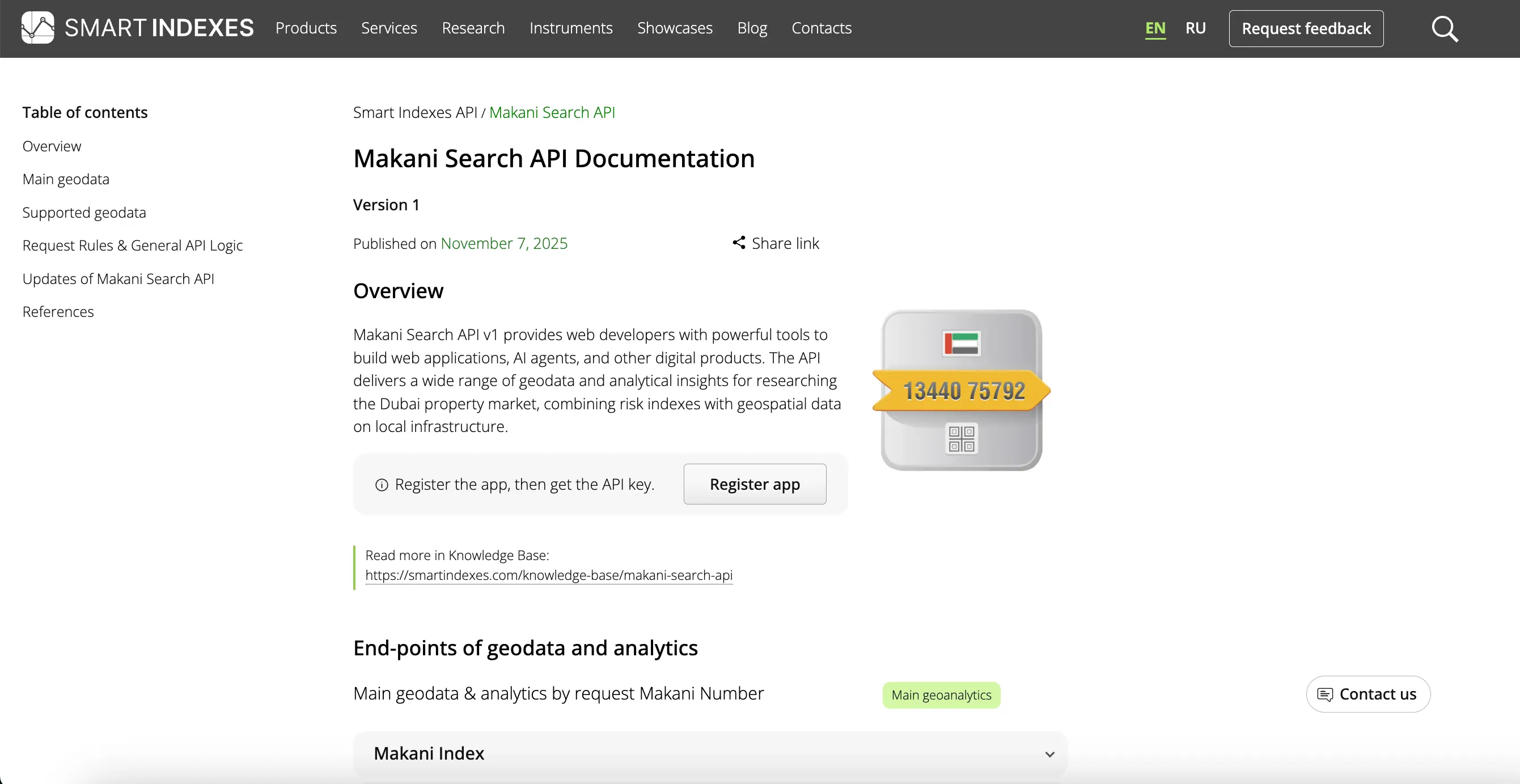
The full API documentation is available for developers and describes all endpoints, GET requests and practical use cases. Each endpoint includes at least one example to help you get started quickly with Makani Search API v1.
Get a consultation
Pick your preferred channel and schedule a meeting to discuss Smart Indexes APIs and use cases.
Available channels: Google Meet, WhatsApp or email with the Support Team.
The meeting time is agreed individually and depends on our weekly schedule (GMT+3). If necessary, the manager will suggest alternative time slots.
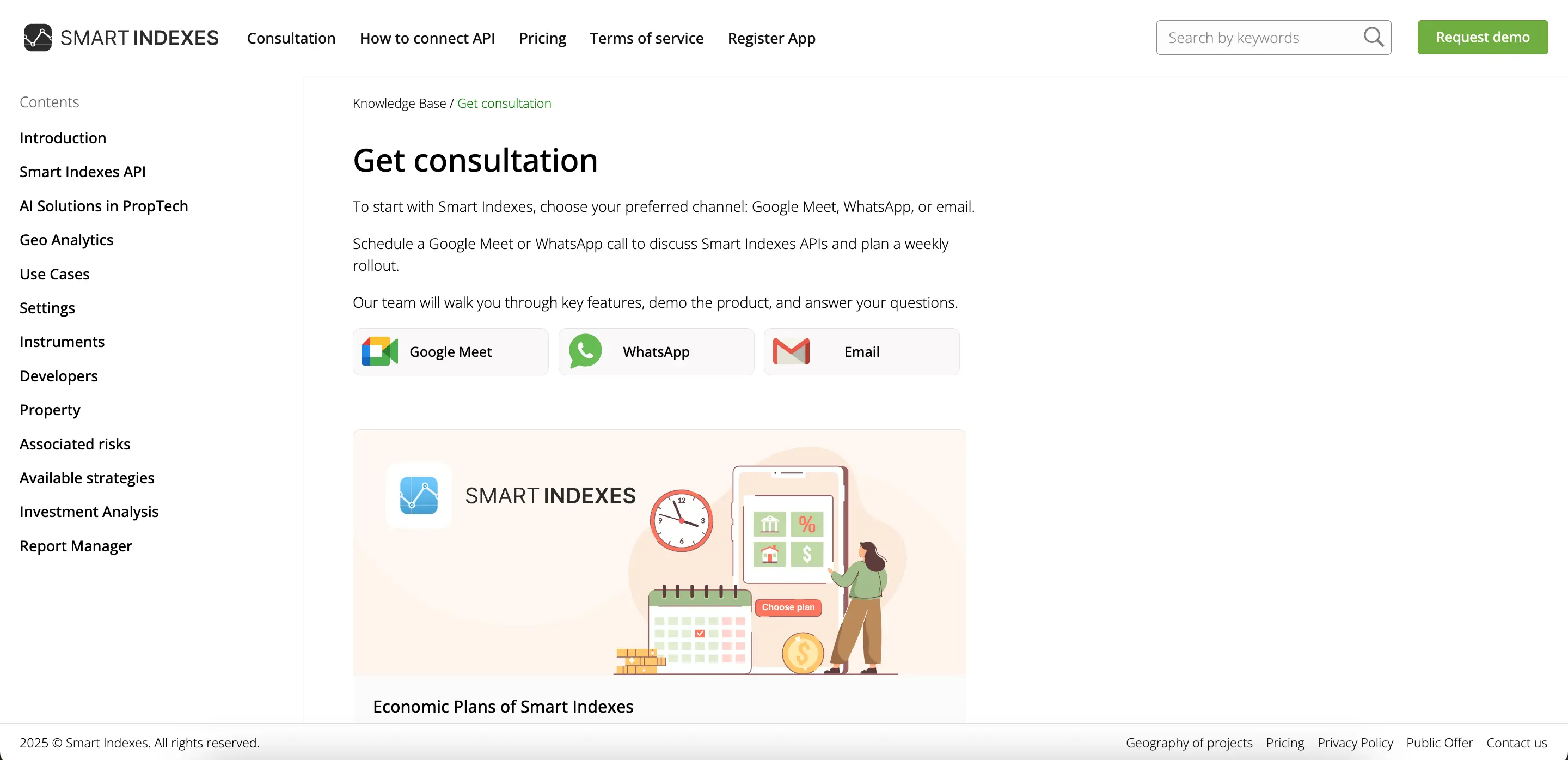
The objectives of the consultation are to introduce you and the Smart Indexes manager, clarify and evaluate your API requirements, and demonstrate the available functionality to build an effective integration.
Select a pricing plan
Select a current pricing plan that balances functionality and cost and fits your technical and commercial requirements.
Each Smart Indexes API is available with a range of pricing tiers.
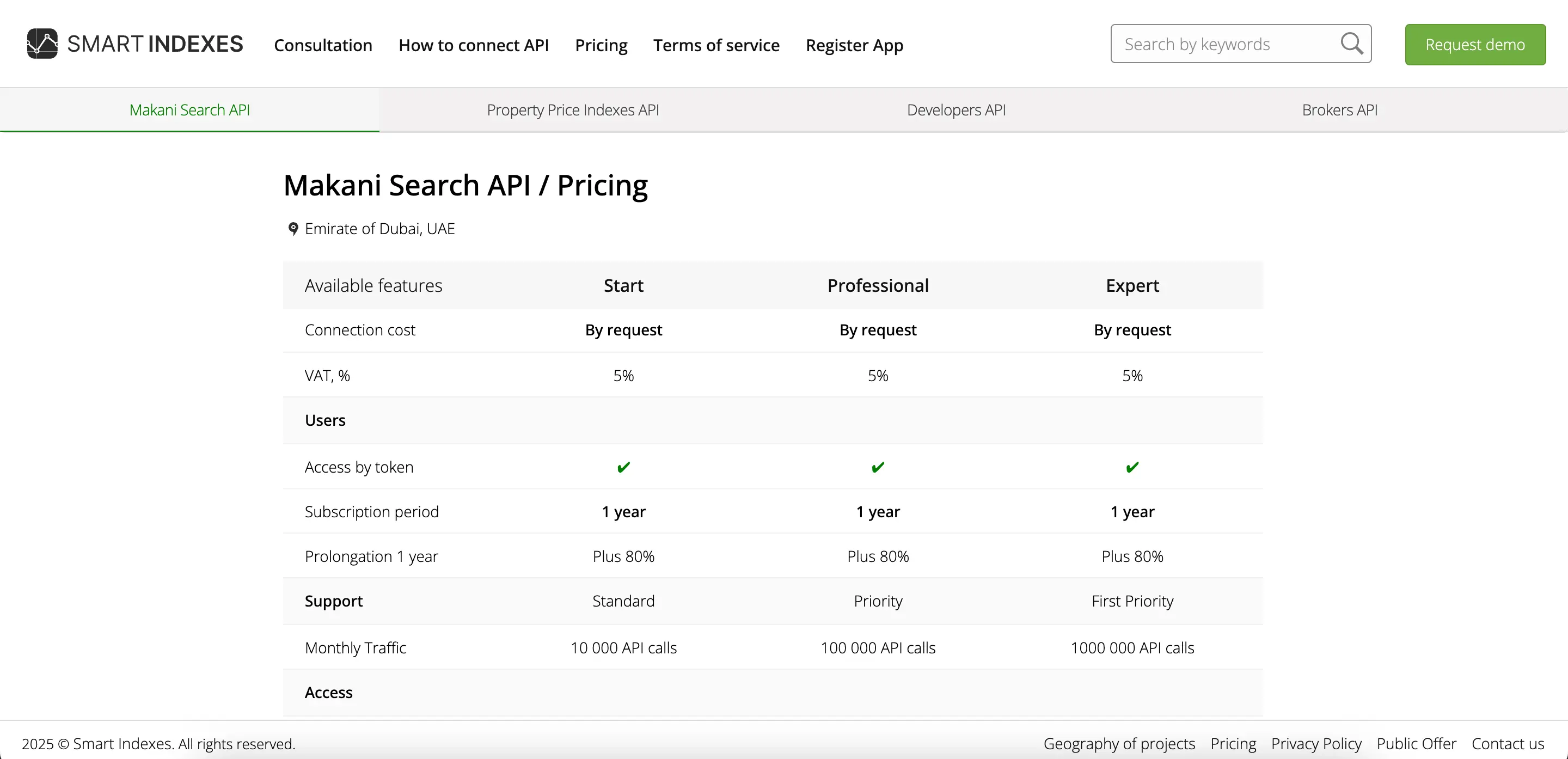
For investment projects, the Smart Indexes team can prepare an individual custom pricing plan based on your detailed API requirements.
Pricing is fixed in USD for customers worldwide.
Acceptance of the API service terms
Read and accept the Smart Indexes Terms and Conditions to enable API access.
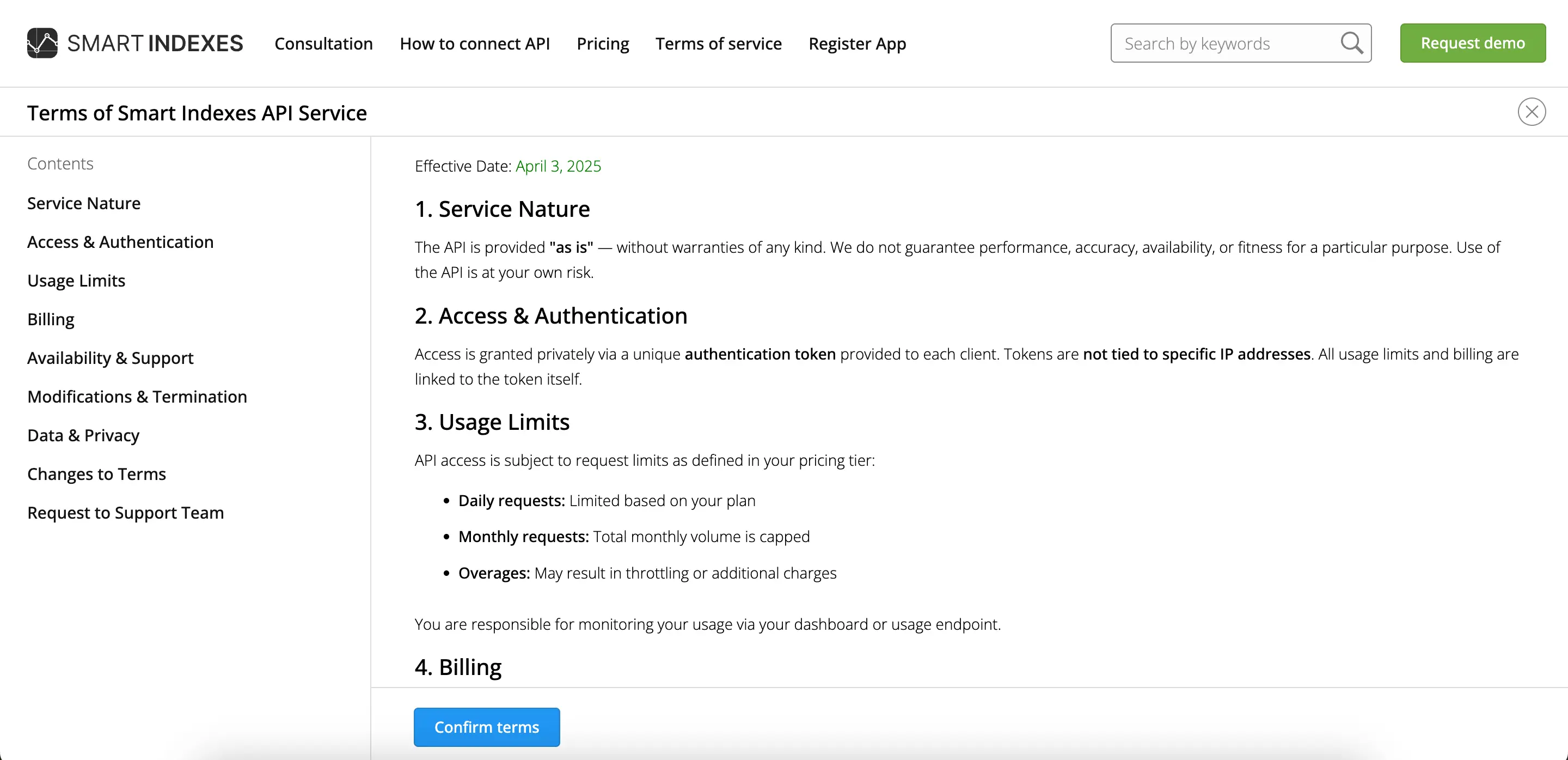
Legal use of Smart Indexes APIs is based on acceptance of the Terms and Conditions of the API service. This is important for a transparent and compliant commercial connection to analytical data from the API endpoints.
Register your application
Register your application to enable authorized API use.
To complete registration, the user should enter personal details, brief company information and a short description of how the API will be used.
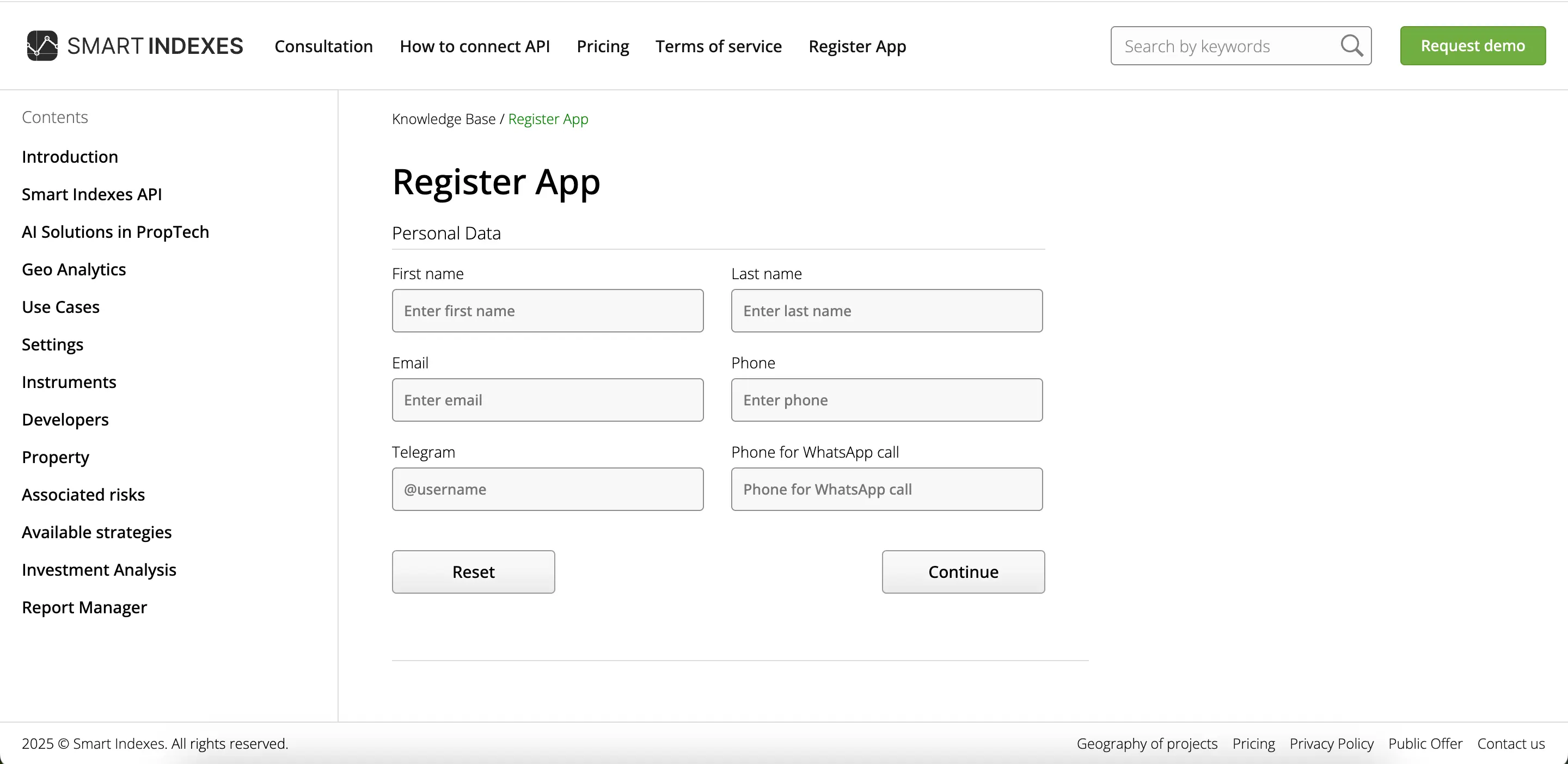
Log in to your personal account
Use the sign-in link (token) sent to your registered email address to log in securely.
Obtain your API key
To obtain an API key, you must first register your application.
Your application is reviewed by our managers during business hours. If it is approved, a consultation (Zoom or Google Meet) may be scheduled.
After confirming the terms of use, an API key is issued at the user's request.
Based on the moderation process and the details of your application, a decision is made about providing access in test mode.
If the decision is positive, you receive a test API key with a minimal limit for initial testing. After that, a decision is made regarding commercial access to the API under the selected pricing plan.
You then test the integration and start using the API with limited free usage.
Make a payment for using the API
After the free testing limit has been reached, you can switch to a commercial API connection for the selected period and tariff (including daily/monthly limits).
Complete the payment to activate your chosen API plan.
Notice: commercial use is based on a new paid API key (not the test API key).
Start building your app
Use the selected Smart Indexes API features in your application or service.